The Singapore PR application form is completed entirely online, through ICA’s e-Service (accessed via MyICA), not on paper. If you have never used it, the portal can feel unfamiliar, and the 7-day window to finish adds pressure. This guide walks you through filling the Singapore PR application form step by step, so you complete it correctly the first time.
Quick answer: Log in to ICA’s e-PR service through MyICA using your Singpass. Complete the online form section by section (personal, family, education, employment), upload your documents and a compliant photo, pay the S$100 fee per applicant, and submit. Once you start, you have seven days to finish, so prepare everything first. For family routes, the citizen or PR sponsor logs in to start the application.
Before you log in
Get these ready first, because the 7-day window is tight once you begin:
- A Singpass account. You log in with Singpass; if you do not have one, set it up early, as approval can take a few working days.
- Your documents, scanned as clear, colour files (see our PR documents checklist).
- A compliant photo to ICA’s specifications (recent, colour, white background).
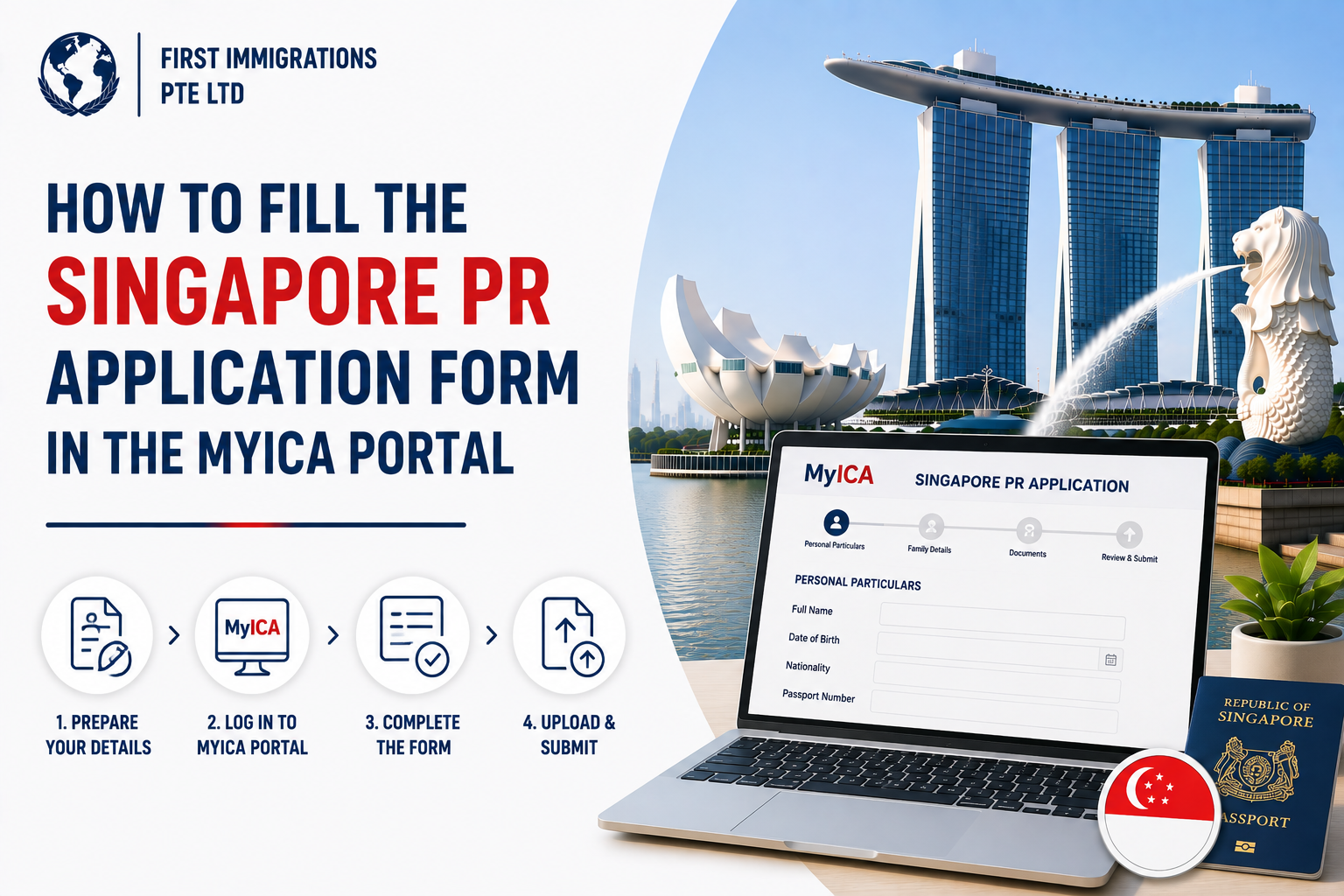
Step by step: filling the form
| Step | What you do |
| 1 | Go to ICA’s e-Service via MyICA and log in with Singpass |
| 2 | Open the e-PR (Permanent Residence) application |
| 3 | Complete each section of the form (details below) |
| 4 | Upload your supporting documents and photo |
| 5 | Review the whole form carefully |
| 6 | Pay the S$100 fee per applicant |
| 7 | Submit and save the acknowledgement and reference number |
For a family application, the Singapore citizen or PR sponsor logs in with their Singpass to initiate it on the applicant’s behalf.
What each section of the form asks
The e-PR form is divided into sections. Fill each accurately, and make sure every entry matches your supporting documents.
- Personal particulars: name, date of birth, nationality, passport, and contact details.
- Family background: spouse, children, and parents, and their status.
- Education: your qualifications, institutions, and dates.
- Employment: job title, employer, salary, and employment history.
- Overseas residential history: where you have lived, for background checks.
- Business ownership: for the self-employed, company and ownership details.
- Additional profile: achievements, memberships, and supporting details.
Every applicant added to the form must review it before submission.
The golden rules
- Prepare before you start. Once you begin, you have seven days to complete every section and upload all documents.
- Match everything. Names, dates, job titles, and salary must be identical across the form and your uploads. Mismatches cause delays.
- Upload clean files. Clear, colour scans, with official notarised translations for any non-English document.
- Review before submitting. You cannot casually edit the form after submission, so check it fully first.
For the wider process, see our guide on the Singapore PR application online.
After you submit
You receive an acknowledgement email with a reference number. You can then track your case by logging back in to MyICA with your Singpass. Our guide on checking your PR application status explains what each status means, and how long it takes.
Common mistakes to avoid
- Starting before documents are ready, then running out of the 7-day window.
- Inconsistent details between the form and the uploads.
- A non-compliant photo, which holds up submission.
- Uncertified translations, which ICA rejects.
- Leaving Singpass to the last minute, when it can take days to set up.
How First Immigration can help
The form itself is straightforward; a complete, consistent, competitive application is the hard part. First Immigration helps you:
- Prepare and organise every document before you open the form.
- Complete each section accurately and consistently.
- Present your profile the way ICA assesses most favourably.
See our guide on how to apply for Singapore PR, or speak to our consultants through the contact page.
Frequently asked questions
How do I fill the Singapore PR application form?
Log in to ICA’s e-Service through MyICA with Singpass, complete the form section by section, upload your documents and photo within the 7-day window, pay the S$100 fee, and submit.
Where is the PR application form?
It is the online e-PR form on ICA’s e-Service, accessed through MyICA with Singpass. There is no paper or PDF form for the main route.
Do I need Singpass to fill the form?
Yes. The e-PR form requires a Singpass login. If you are not eligible for one, ICA issues unique login credentials.
How long do I have to complete the form?
Seven days from when you start, which is why you should have everything ready first.
What sections does the form include?
Personal particulars, family background, education, employment history, overseas residential history, business ownership (if self-employed), and supporting profile details.
Can I edit the form after submitting?
No. Review everything carefully before you submit, as you cannot casually change it afterwards.
How much is the fee?
S$100 per applicant, paid online at submission and non-refundable.
Who fills the form for a family application?
The Singapore citizen or PR sponsor logs in with their Singpass to start the application for the family member.