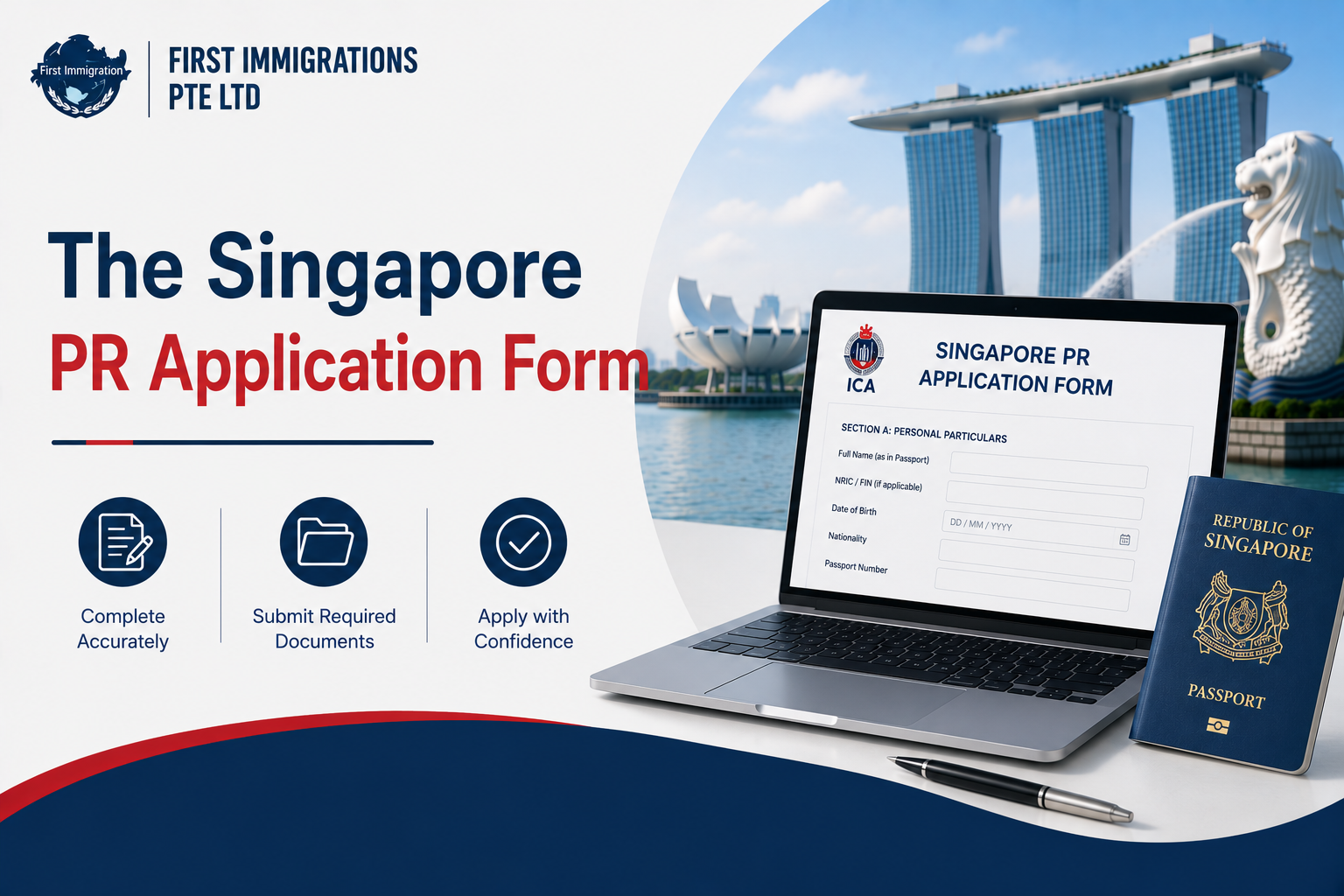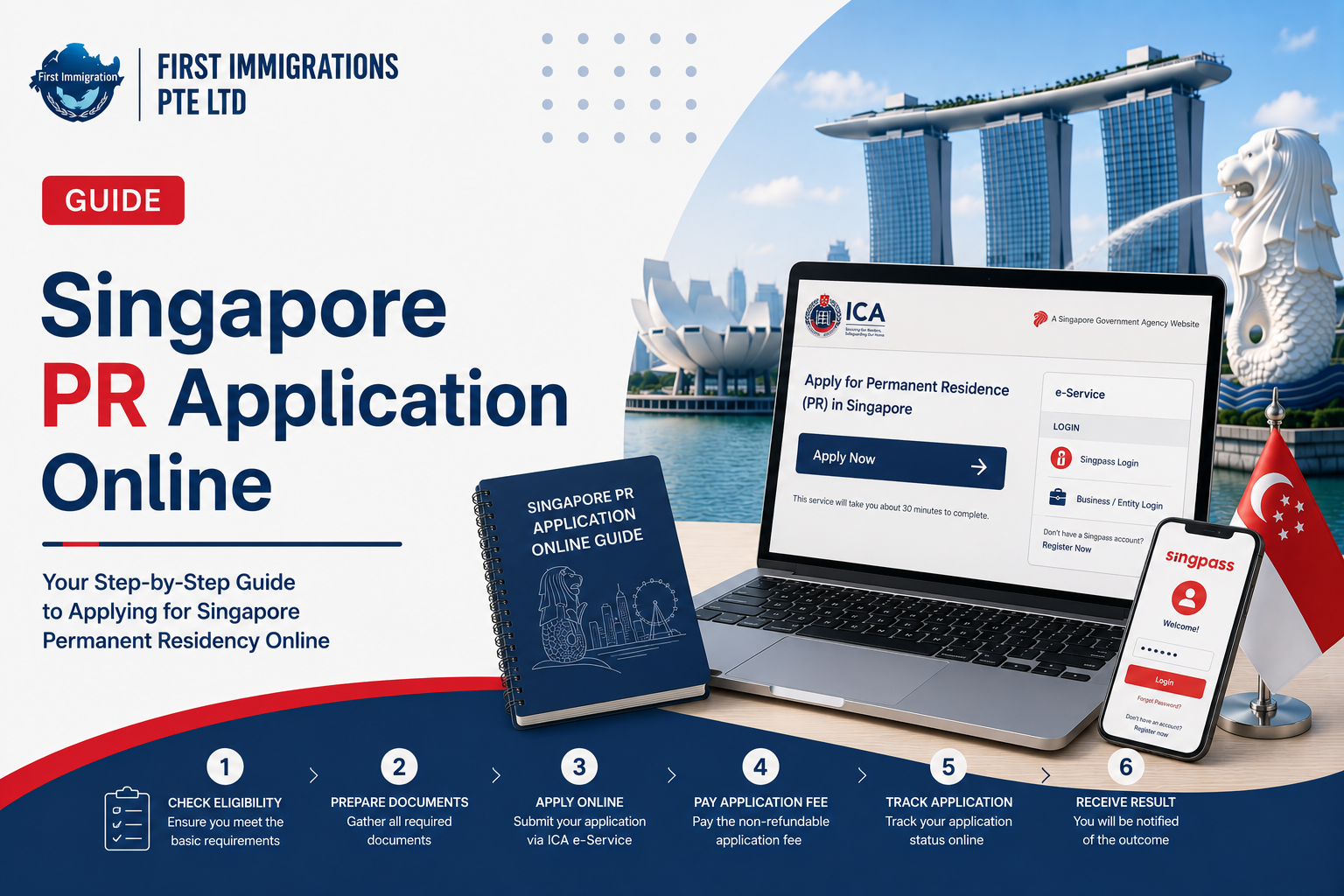
Applying for Singapore Permanent Residence is now a fully online process through ICA’s e-PR system. There is no counter submission and no appointment needed just to apply. This guide walks you through the online application step by step, from getting your Singpass ready to submitting and tracking your case.
Quick answer: All Singapore PR applications are submitted online through the ICA e-PR portal (eservices.ica.gov.sg) using Singpass. Prepare your documents first, log in, complete the form, upload your files and a compliant photo within the 7-day window, pay the S$100 fee per applicant, and submit. You get an acknowledgement with a reference number to track your status. Processing usually takes around four to six months. No appointment is needed to submit; the appointment only comes later, for formalities after approval.
Can you apply for PR online?
Yes, and in fact you must. Singapore PR applications are handled entirely through ICA’s Electronic Permanent Residence (e-PR) system. You cannot submit over a counter; everything from the form to the documents and the fee is done online.
This makes preparation the real work. The portal itself is straightforward once your documents and Singpass are ready, so the effort goes into getting those right before you log in.
Before you start
Sort these out first, so the application itself is smooth.
- Singpass. You log in to the e-PR portal with Singpass. If you do not have one, apply early, as approval can take a few working days. Applicants who are not eligible for Singpass are issued unique login credentials by ICA.
- Your documents. Have the full set scanned, clear, and consistent before you begin. Once you start the application, you have a limited window (currently seven days) to upload everything.
- A compliant photo. A recent colour passport-style photo meeting ICA’s digital specifications.
For the full list of what to prepare, see our guide on Singapore PR application requirements.

The online application, step by step
| Step | What you do |
| 1. Confirm your scheme | Check you are applying under the right route (PTS for EP/S Pass holders, or a family route) |
| 2. Get Singpass ready | Register or verify your Singpass; allow a few working days if new |
| 3. Prepare all documents | Scan and organise everything before you open the portal |
| 4. Log in to the e-PR portal | Access ICA’s e-Service with your Singpass |
| 5. Complete the form | Fill every section: personal, family, education, and employment details |
| 6. Upload documents and photo | Upload your files and compliant photo within the 7-day window |
| 7. Pay the fee | S$100 per applicant, non-refundable, at submission |
| 8. Submit and save your reference | Review once more, submit, and keep the acknowledgement and reference number |
A few things worth stressing:
- Everything must match. Every detail you type has to match your supporting documents exactly. Mismatches are a common cause of delay.
- Family routes start with the sponsor. If you apply as a spouse, child, or parent of a citizen or PR, your sponsor logs in with their Singpass to initiate the application.
- Review before you submit. Once submitted, you cannot casually edit the application, so check the whole thing first.
Fees
You pay online at submission by card, PayNow, or bank direct debit.
| Fee | Amount | When |
| Application (processing) | S$100 per applicant | At submission (non-refundable) |
| Entry Permit | Around S$20 | On approval |
| Re-Entry Permit (5-year) | Around S$50 | On approval |
| Singapore identity card | Around S$50 | On approval |
Fees reflect current 2026 amounts and can change. Confirm the latest with ICA before you pay.
Who can apply online?
The same eligibility rules apply as for any PR application. The main routes are:
- EP, S Pass, PEP, or EntrePass holders working in Singapore, under the PTS scheme (no sponsor needed).
- Spouses, unmarried children under 21, and aged parents of a Singapore citizen or PR (sponsor required).
- Eligible students and Global Investor Programme investors.
For the detail, see our guide on who is eligible to apply for PR.

What happens after you submit
- You get a reference number. An acknowledgement email confirms submission and gives you the number to track your case.
- No appointment is needed to submit. After submission, the system queues you for an appointment slot, but that is for the formalities stage later, only if you are approved.
- Processing takes time. Most applications take around four to six months. Complex profiles, incomplete documents, or busy periods can extend this, and ICA does not give progress updates.
- Track your status online. Log back in to the e-PR portal with your Singpass and reference number. Our note on checking your PR application status explains what each result means.
If approved, you complete the formalities: paying the remaining fees, any medical check, fingerprinting, collecting your entry permit and identity card. If not, our guide on what to do after a PR rejection sets out your options.
Tips for a smooth online application
- Prepare everything before you log in. The 7-day upload window is tight if you are still hunting for documents.
- Keep names and dates consistent across the form and every file.
- Scan in colour, at high resolution, and get non-English documents officially translated.
- Do not rely on the minimums. A complete, well-presented application matters as much as meeting the basic criteria. See our PR application tips and what ICA really evaluates.
Common online-application mistakes
- Starting before documents are ready, then running out of upload time.
- Details that do not match between the form and the uploads.
- Uncertified translations, which ICA rejects.
- A non-compliant photo, which holds up submission.
- Leaving Singpass to the last minute, when it can take a few days to set up.
How First Immigration can help
The online portal is the easy part; a competitive application is the hard part. First Immigration helps you:
- Confirm your route and check your eligibility before you start.
- Prepare and organise a complete, consistent document set.
- Present your profile in the way ICA assesses most favourably.
- Handle the process from submission to outcome, including self-employed and family cases.
Speak to our consultants through the contact page before you begin.
Frequently asked questions
How do I apply for Singapore PR online?
Log in to the ICA e-PR portal with Singpass, complete the electronic form, upload your documents and a compliant photo within the 7-day window, pay the S$100 fee per applicant, and submit. You will receive a reference number to track your case.
Do I need a Singpass to apply for PR?
Yes. The e-PR system requires a Singpass login. If you are not eligible for Singpass, ICA issues you unique login credentials. Setting up a new Singpass can take a few working days, so do it early.
Can I still apply for PR at an ICA counter?
No. All PR applications are submitted online through the e-PR system. There is no counter submission.
How much does it cost to apply for PR online?
S$100 per applicant at submission (non-refundable). On approval you pay further fees, currently around S$20 for the Entry Permit, S$50 for a 5-year Re-Entry Permit, and S$50 for the identity card.
Do I need an appointment to apply for PR?
No appointment is needed to submit online. An appointment slot is only for the formalities stage after approval.
How long do I have to upload my documents?
Currently seven days from the start of the application, which is why you should have everything ready before you log in.
How long does an online PR application take?
Usually around four to six months, though complex cases or busy periods can take longer. ICA does not provide progress updates.
How do I check my PR application status?
Log back in to the ICA e-PR portal with your Singpass and your application reference number.
Can my spouse and children be included in my PR application?
Yes. You can include your spouse and unmarried children under 21, each with their own S$100 fee and supporting documents.