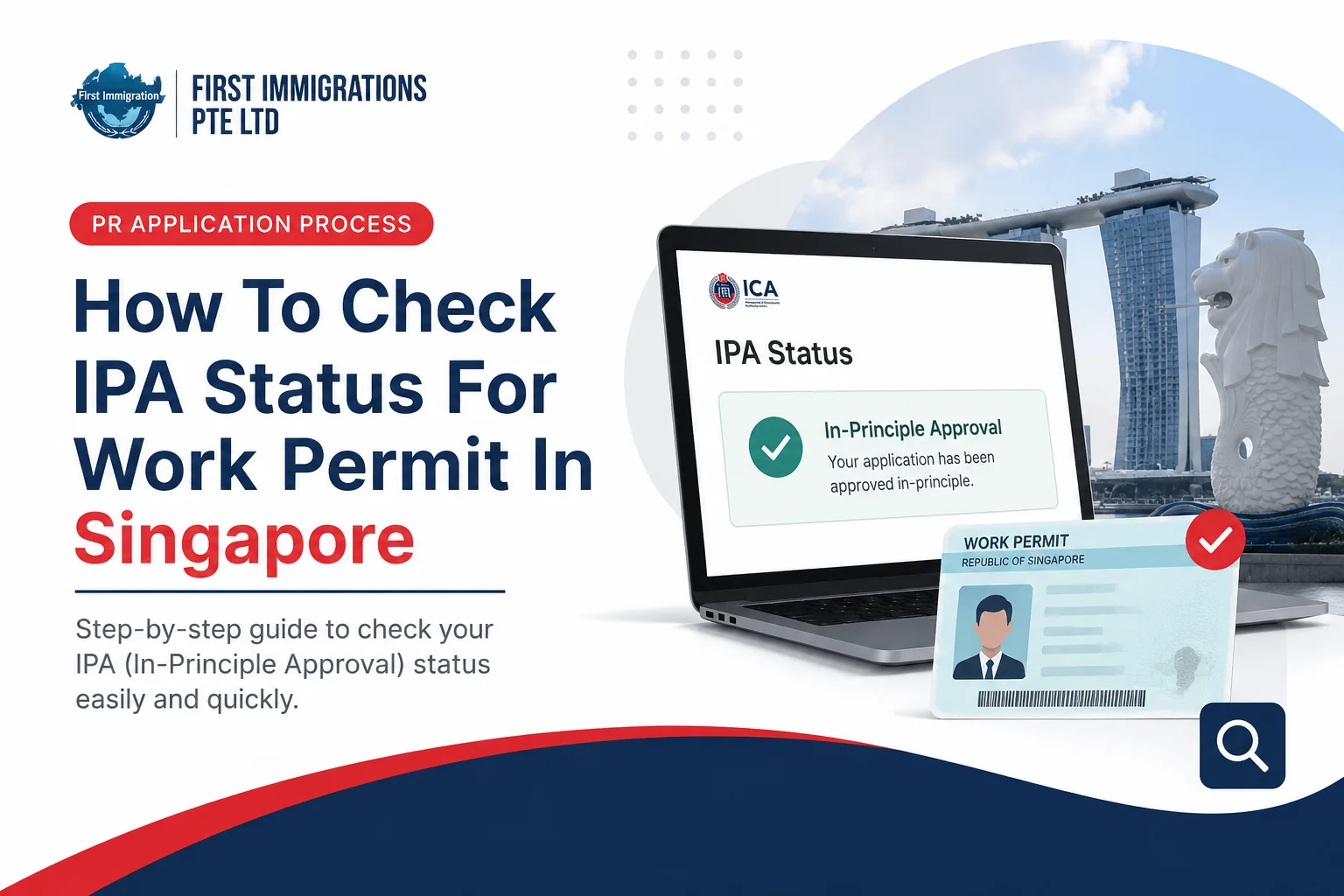
Quick answer: Check any Singapore work pass application on MOM’s Check Work Pass and Application Status service at service2.mom.gov.sg/workpass/enquiry. No login is needed. You need the pass type, the applicant’s date of birth, and either the FIN from the IPA letter or the passport number used in the application. The result appears immediately. MOM processes most online applications, or gives an update, within 10 business days for the Employment Pass and S Pass, and within 1 week for most online Work Permit applications.
Most people checking an IPA status are waiting on a start date. The portal itself takes a minute. The harder part is knowing what the wording on screen actually means, and when a status that has not moved is normal rather than a problem. That is what this guide covers.
What is an IPA?
IPA stands for In-Principle Approval. It is the letter MOM issues once a work pass application is approved in principle, and for several pass types it also acts as the entry document that gets the holder into Singapore.
It is not the pass itself. The card comes later, after entry and the remaining formalities. For everything about the document, including every field on it, how long it stays valid and how to get a copy, see our guide to the IPA letter, field by field.
What you need before you check
| Item | Where to find it |
|---|---|
| Pass type | Work Permit, S Pass or Employment Pass, as applied for |
| Date of birth | The applicant’s, exactly as submitted |
| FIN or passport number | The FIN is on the IPA letter. If you do not have the letter yet, use the passport or travel document number used in the application |
| Application date | Optional. Adds salary and validity details to the result |
You do not need Singpass, and you do not need to be the employer. Anyone with these details can run the check.
How to check, step by step
- Open service2.mom.gov.sg/workpass/enquiry.
- Select the pass type that was applied for.
- Enter the applicant’s date of birth in the format shown on screen.
- Enter the FIN or the passport number.
- Complete the CAPTCHA and submit.
- The result appears immediately on screen.
Employers and appointed agents can also check inside EP Online or WP Online with Corppass, which shows more detail including the application history.
What each status means
This is where most of the confusion sits. The portal uses short phrases, and the same phrase can mean very different things depending on how long it has been showing.
| Status on screen | What it actually means | What to do |
|---|---|---|
| Application received, or In process | MOM has the application and is assessing it | Wait. Nothing you do speeds this up |
| Pending, or More information needed | MOM has asked the employer for documents or clarification | Act immediately through the employer or agent. This is the one status where delay costs you |
| Approved, IPA issued | The application cleared assessment and the letter is available | Get the letter from the employer or agent, check every field, then plan travel |
| Pass issued, or Card being prepared | The pass itself has been granted after entry and formalities | Arrange collection or delivery of the card |
| Rejected | The application was not approved | Read the rejection advisory for the reason before deciding to appeal or reapply |
| Expired, Cancelled or Withdrawn | The application or the IPA is no longer live | Speak to the employer or agent. A new application is usually needed |
How long each stage normally takes
The middle column is MOM’s published processing time. The right-hand column is our own recommendation on when to start chasing, not an MOM figure.
| Stage | MOM’s published time | When we would start asking questions |
|---|---|---|
| Submitted, to the first status appearing in the portal | Not published | If nothing shows after 3 days, the details you are entering are probably wrong |
| Employment Pass, online application | Processed or updated within 10 business days | After 3 weeks with no movement, ask the employer whether MOM requested anything |
| Employment Pass under the Sponsorship scheme, where the company has no Singapore-registered entity | Within 6 weeks for most cases | After 8 weeks |
| S Pass, online application | Processed or updated within 10 business days | After 3 weeks |
| Work Permit, online application | Within 1 week for most cases | After 2 weeks |
| Work Permit, manual application | Within 3 weeks for most cases | After 4 weeks |
| “More information needed” | Depends entirely on how fast the employer responds | Chase on the same day. This status does not clear itself |
| Approved, to pass issued | Driven by travel, medical examination and registration | Your own schedule, not MOM’s |
Note that “processed or updated within 10 business days” does not promise a decision in 10 days. It means MOM will either decide or tell you something by then.
What the portal will not tell you
- Why an application was rejected. That reason goes to the employer in the rejection advisory.
- How close a decision is. There is no queue position or percentage.
- Anything about an application that was never submitted. If an agent says a case is “with MOM” and the portal has no record after a few days, treat that as a red flag.
Common problems when checking
| Problem | Likely cause | Fix |
|---|---|---|
| “No record found” | Wrong date of birth, wrong FIN or passport number, or the application was submitted in the last day or two | Re-enter the details carefully, then wait 1 to 2 days and try again |
| You have no FIN and no reference number | The IPA letter has not been passed to you | Ask the employer or agent for a copy. MOM issues it to them, not to the candidate |
| The name or date of birth shown does not match the passport | A typo in the application, or the passport was renewed after applying | Tell the employer or agent straight away so MOM can correct the record before travel |
| Status has not changed for weeks | Normal assessment time, or an unanswered document request | Check with the employer whether MOM asked for anything |
| Passport renewed during processing | The record still holds the old passport number | Report the new passport before travelling. Clearance needs the details to match |
If the letter you were sent looks wrong
Verify it on MOM’s portal rather than trusting the document in front of you. If the FIN and date of birth do not return a matching approved record, treat the letter as suspect. MOM never charges a candidate to “release” an approval letter, and genuine letters come through a licensed employer or agent. Our guide to the IPA letter, field by field shows what a real one contains and how to compare it against MOM’s published sample.
After the status turns to approved
- Get the full letter from the employer or agent and check every field against the passport.
- Travel before the expiry date printed on the letter.
- Complete the medical examination if the pass type requires one.
- The employer requests issuance of the pass.
- Register fingerprints and photo if MOM asks, then collect the card.
The deadlines, the fees and what to do if travel slips are covered in our IPA letter guide.
How First Immigration can help
- Chasing a stalled case: we work out whether a status is genuinely stuck or simply normal, and what MOM is waiting for.
- Fixing errors in the application record before they cause a problem at the checkpoint.
- After a rejection: we read the advisory and advise appeal or reapply, as covered in our guide to Employment Pass rejection.
- Applications and renewals through our Employment Pass service and S Pass service.
Book a free assessment through our contact page.
Frequently asked questions
How do I check my IPA status in Singapore?
Use MOM’s Check Work Pass and Application Status service at service2.mom.gov.sg/workpass/enquiry. Select the pass type, enter the date of birth and the FIN or passport number, complete the CAPTCHA, and the result appears immediately.
Do I need Singpass to check my IPA status?
No. The service needs no login. Employers and agents can also check inside EP Online or WP Online with Corppass for more detail.
Can I check without a FIN?
Yes. Use the passport or travel document number from the application, together with the date of birth.
How long does it take for an IPA to be issued?
MOM processes most online Employment Pass and S Pass applications, or gives an update, within 10 business days. Most online Work Permit applications are processed within 1 week, and manual ones within 3 weeks. Employment Pass applications under the Sponsorship scheme take up to 6 weeks for most cases.
The portal says “no record found”. What does that mean?
Usually a typo in the date of birth, FIN or passport number, or an application submitted only a day or two ago. Re-check the details and try again after a day.
My status has not changed for three weeks. Is something wrong?
Possibly. MOM’s published time for an online EP or S Pass application is 10 business days for a decision or an update, so three weeks is longer than the usual window. Ask the employer whether MOM has requested documents, because a pending request will not clear itself.
What does “pending” mean?
MOM has asked the employer or agent for more information. This is the status to act on immediately, because the clock keeps running while the request sits unanswered.
Does the portal show why an application was rejected?
No. The reason goes to the employer in the rejection advisory.
What should I do when the status shows approved?
Get the full IPA letter from your employer or agent, check every field against your passport, and plan travel before the expiry date printed on the letter.
Can I check the status of someone else’s application?
Yes, if you have the pass type, date of birth and FIN or passport number. The service does not require a login.
Official sources: MOM, Check work pass and application status eService; MOM, In-principle approval (IPA) for migrant worker.
Disclaimer: Processing times and portal features are set by MOM and can change. Figures checked in October 2026.